Digital plant phenotyping platform
A focused lab for field data, imaging and AI.
Fifteen practical browser tools shaped around plant science workflows. Each workspace now shares one calm, responsive interface while keeping its specialist controls close at hand.
- 15
- browser tools
- 5
- workflow areas
- BYOK
- AI model choice
Explore the toolkit
Choose a workflow
Search by task or filter by research stage. Every card opens a dedicated workspace.
15 tools
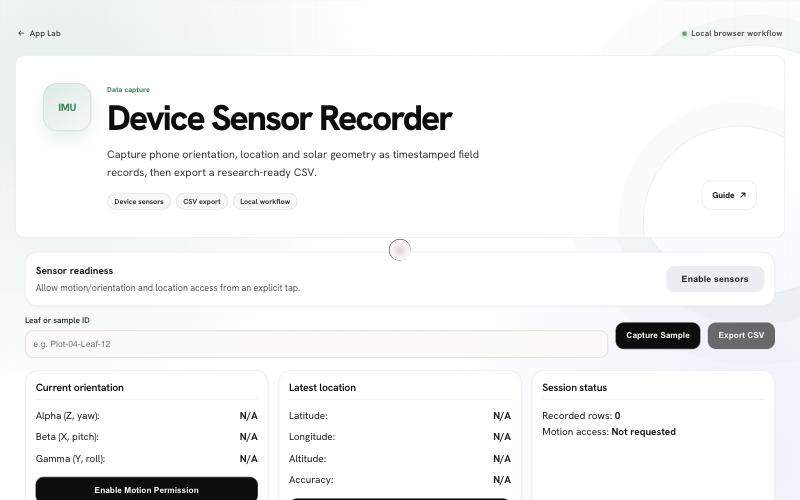
Sensor Recorder
Capture phone orientation, leaf inclination, location and solar geometry as timestamped field records, then export a research-ready CSV.
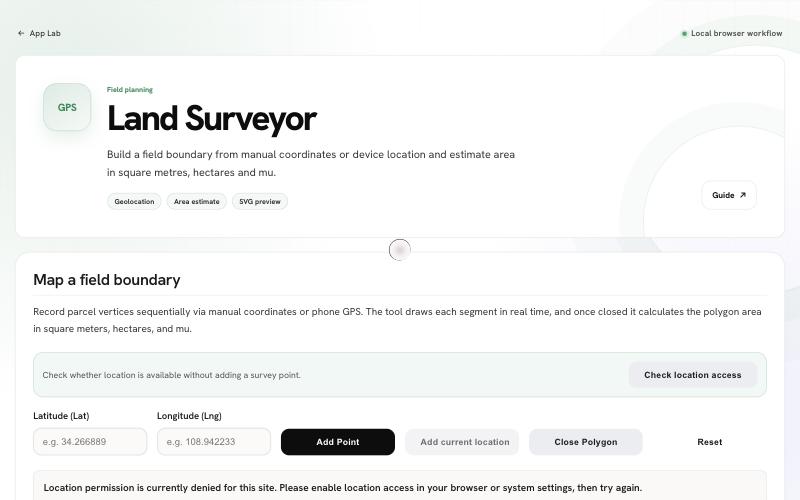
Land Surveyor
Build a field boundary from manual coordinates or device location and estimate area in square metres, hectares and mu.
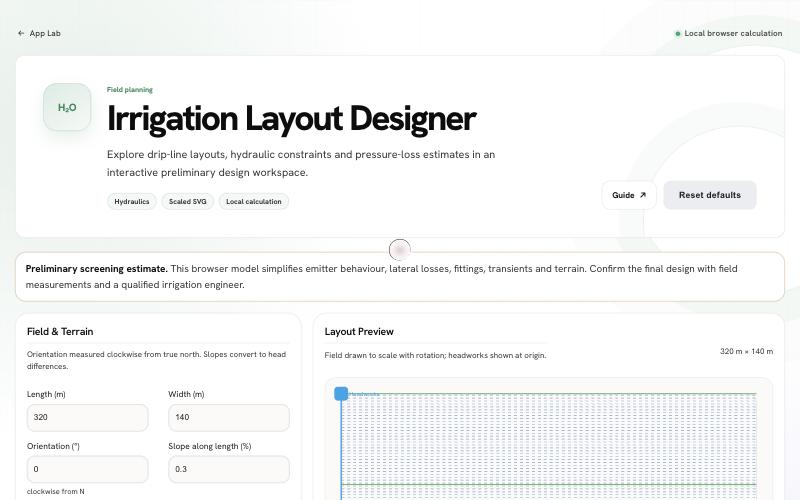
Irrigation Designer
Check a drip-irrigation block: lateral, submain and mainline losses, pressure at the farthest subunit and emitter flow variation, with a validated model.
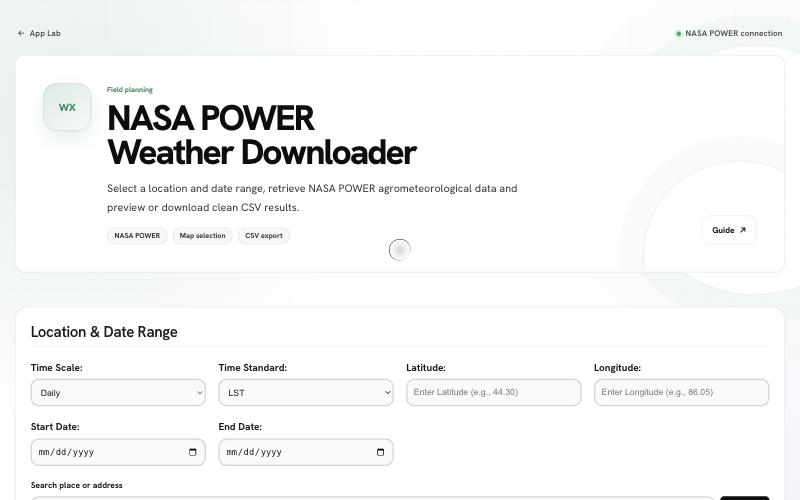
Weather Downloader
Select a location and date range, retrieve NASA POWER agrometeorological data and preview or download clean CSV results.
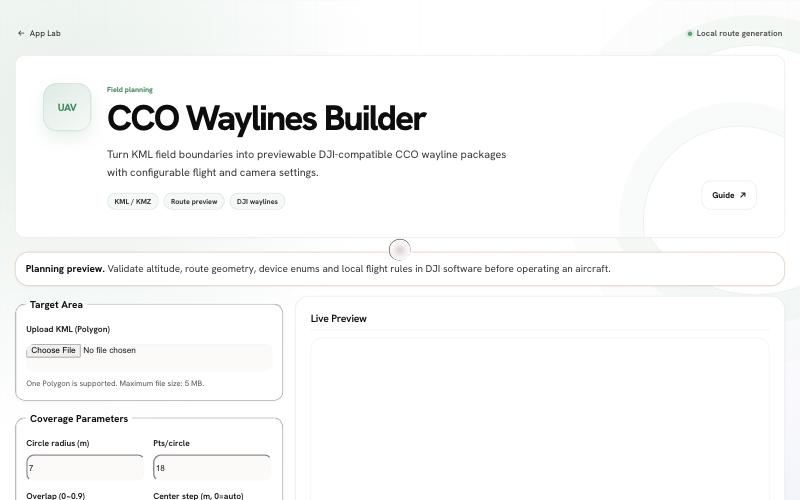
CCO Mission Planner
Turn KML field boundaries into previewable DJI-compatible CCO wayline packages with configurable flight and camera settings.
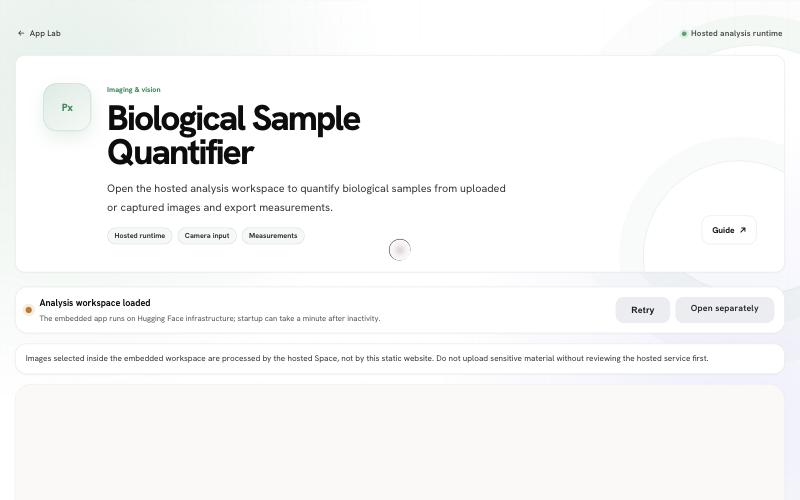
Image Quantifier
Open the hosted analysis workspace to quantify biological samples from uploaded or captured images and export measurements.
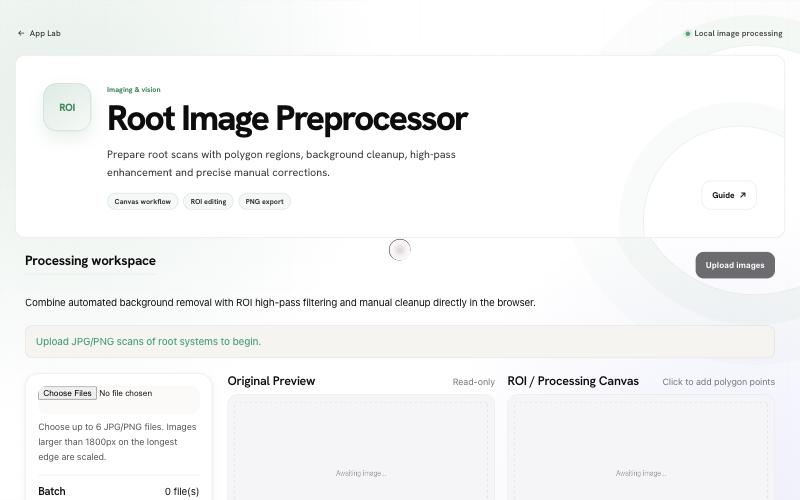
Root Preprocessor
RootQuantify in the browser: trace the root region, remove the background by morphological closing, threshold at full resolution and correct by hand.
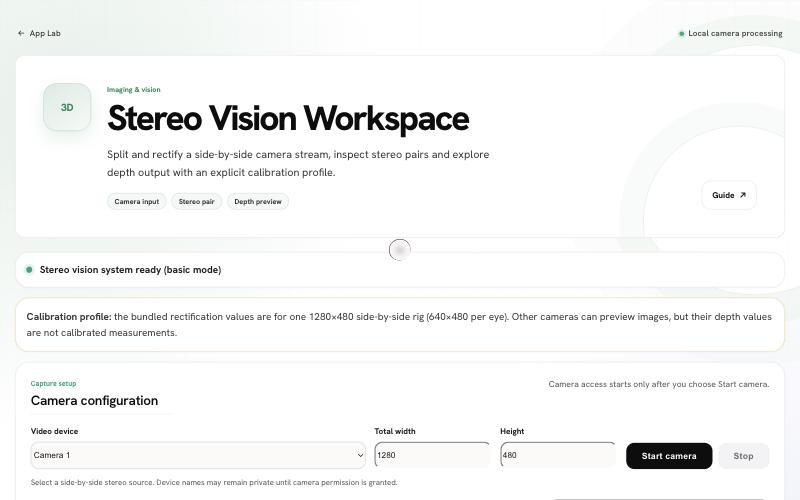
Stereo Vision
Rectify a calibrated side-by-side stereo stream, compute metric depth by block matching and export depth in millimetres.
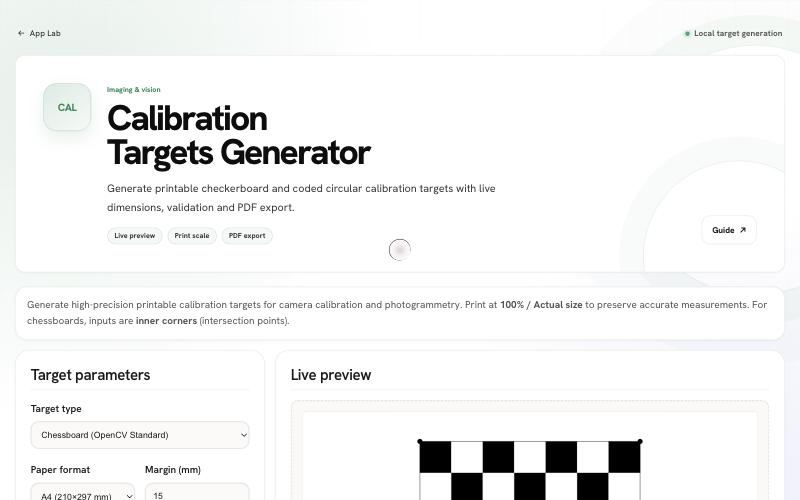
Calibration Targets
Generate printable checkerboards and segmented circular markers at exact millimetre sizes, with fit checks and PDF export.
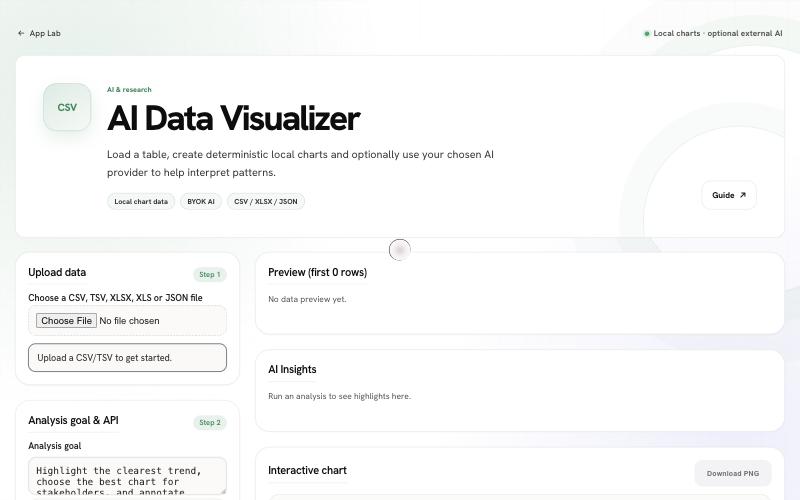
AI Data Visualizer
Load a table and chart it from the full data; an optional AI provider suggests the chart, and group comparisons run ANOVA and Tukey tests locally.
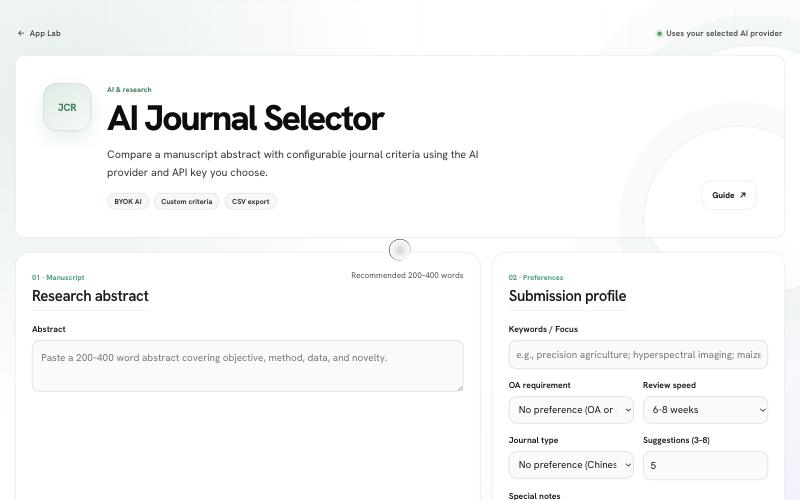
Journal Selector
Find journals that publish work like yours and check the journals you have in mind, from similar published articles and OpenAlex and DOAJ data; an AI model you choose can add a written submission strategy.
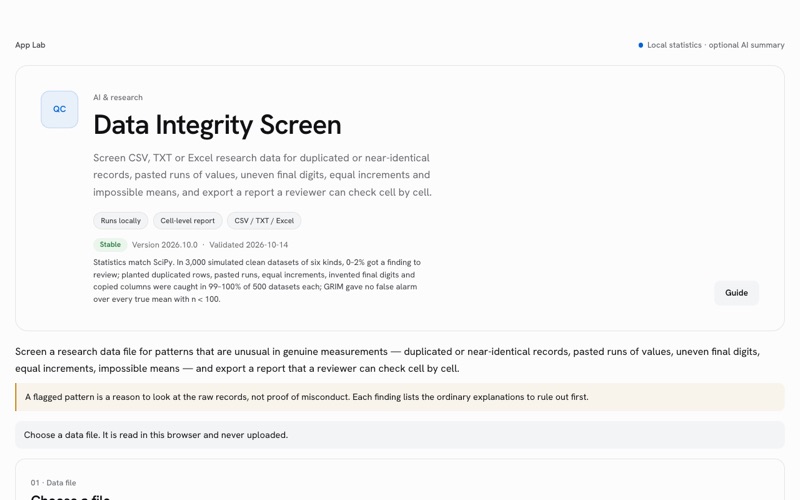
Integrity Screen
Screen CSV, TXT or Excel research data for duplicated or near-identical records, pasted runs of values, uneven final digits, equal increments and impossible means, and export a report a reviewer can check cell by cell.
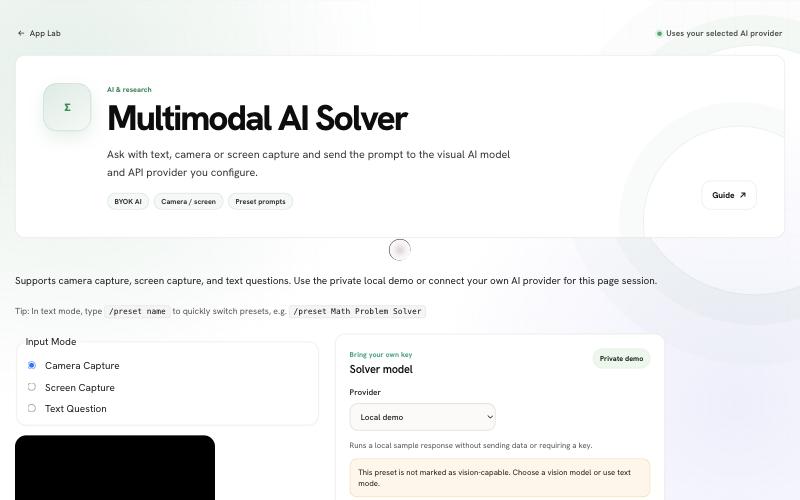
AI Solver
Answer lab safety exam questions and other problems from a screen capture, photo or text: a clear answer with its reason, a second independent answer as a check, and a self-test of your model.
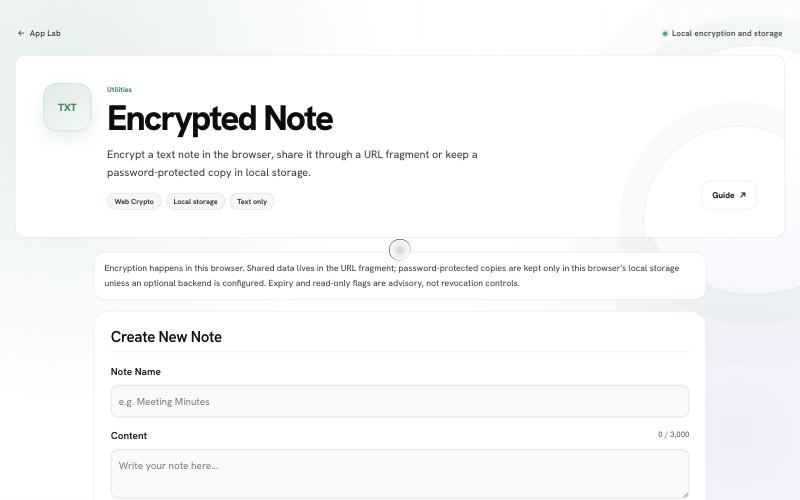
Encrypted Note
Encrypt a text note in the browser, share it through a URL fragment or keep a password-protected copy in local storage.
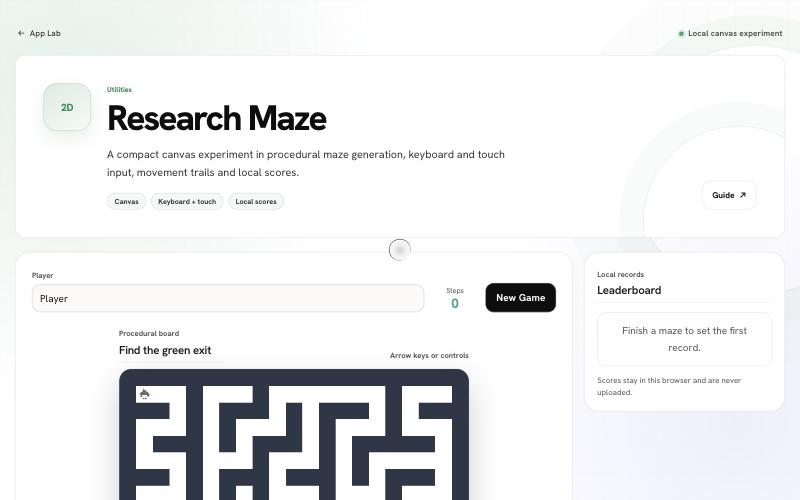
Maze
A compact canvas experiment in procedural maze generation, keyboard and touch input, movement trails and local scores.
Cite this work
If you use the Digital Plant Phenotyping Platform v25.0 or any of its tools in your research, please cite it.
LiangchaoDeng. (2025). smiler488/smiler488.github.io: Digital Plant Phenotyping Platform v25.0 (v25.0.0). Zenodo. https://doi.org/10.5281/zenodo.17544584
@software{Deng2025_DPPP_v25,
  author       = {Deng, Liangchao},
  title        = {Digital Plant Phenotyping Platform (v25.0)},
  year         = {2025},
  publisher    = {Zenodo},
  doi          = {10.5281/zenodo.17544584},
  url          = {https://doi.org/10.5281/zenodo.17544584},
  note         = {[Computer software]}
}
In Zotero, open the File menu and choose Import from Clipboard.